// Adds dimensions UUID, Author and Topic into GA4
Friday, July 10, 2026
32.2 C
Singapore

Singapore breaks into list of top 10 global tech cities for the first time

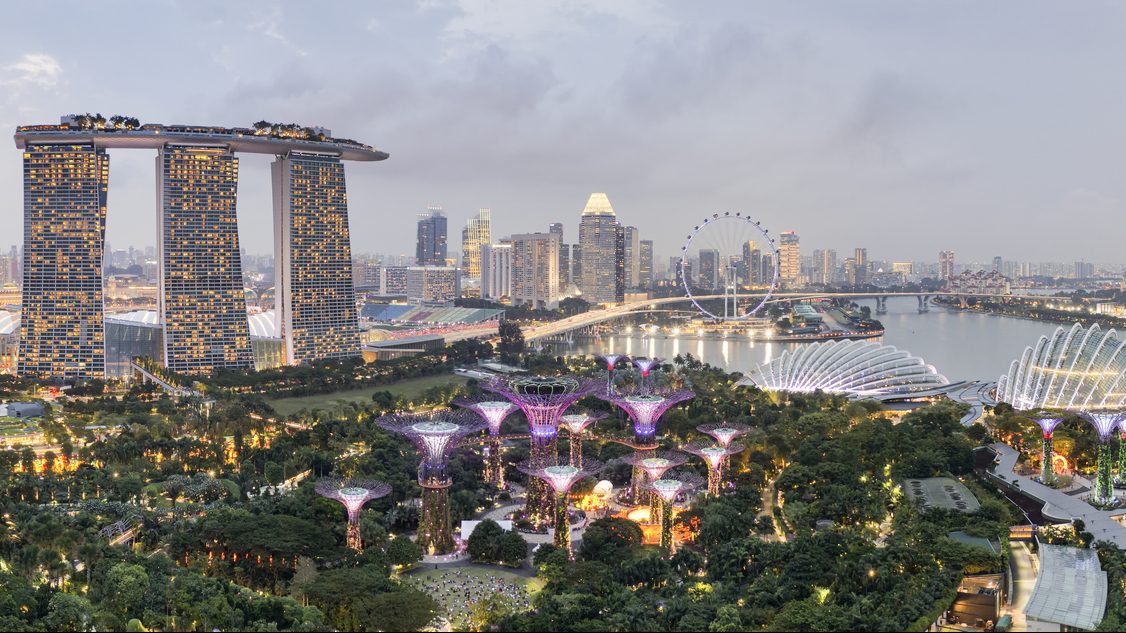
SINGAPORE: Singapore has, for the first time, earned a place among Savills’ “Top 10 Global Technology Cities,” coming in ninth in the property consultancy’s biennial rankings. The country moved up three spots from the previous list.

Savills credited Singapore’s rise to its steady political and regulatory climate, strong business environment, and well-established infrastructure, listing these as long-standing factors that have helped the country attract global firms and talent.

The latest rankings also showed American cities continuing to dominate the field, taking up half of the top ten positions. San Francisco held on to the top spot, buoyed by renewed confidence in its AI-driven technology landscape, while New York followed in second place. London was ranked third, making it the highest-placed European city.

Across Asia, momentum remained strong as well. Six Chinese cities made it into the “Global Top 30 Technology Cities,” with Shanghai and Beijing placing fifth and sixth.

Seoul also broke into the top tier for the first time, taking the tenth spot after climbing four places from the previous survey.

- Advertisement -

Hot this week

Why some Singaporeans stopped buying the cheapest option and started saving more

SINGAPORE: If there's one thing many Singaporeans excel at, it's finding clever ways to save money. Recently, many revealed the simple lifestyle changes that quietly ended up saving them a surpri...

Photo of helpers waiting outside maid agency puts treatment of domestic workers under the spotlight

SINGAPORE: A viral photo of several domestic helpers sitting on the floor outside a maid agency has sparked fresh debate over how migrant workers are treated in Singapore, with many netizens callin...

Popular Categories

document.addEventListener("DOMContentLoaded", () => { const trigger = document.getElementById("ads-trigger"); if ('IntersectionObserver' in window && trigger) { const observer = new IntersectionObserver((entries, observer) => { entries.forEach(entry => { if (entry.isIntersecting) { lazyLoader(); // You should define lazyLoader() elsewhere or inline here observer.unobserve(entry.target); // Run once } }); }, { rootMargin: '800px', threshold: 0.1 }); observer.observe(trigger); } else { // Fallback setTimeout(lazyLoader, 3000); } });
// //
Enable Notifications OK No thanks
